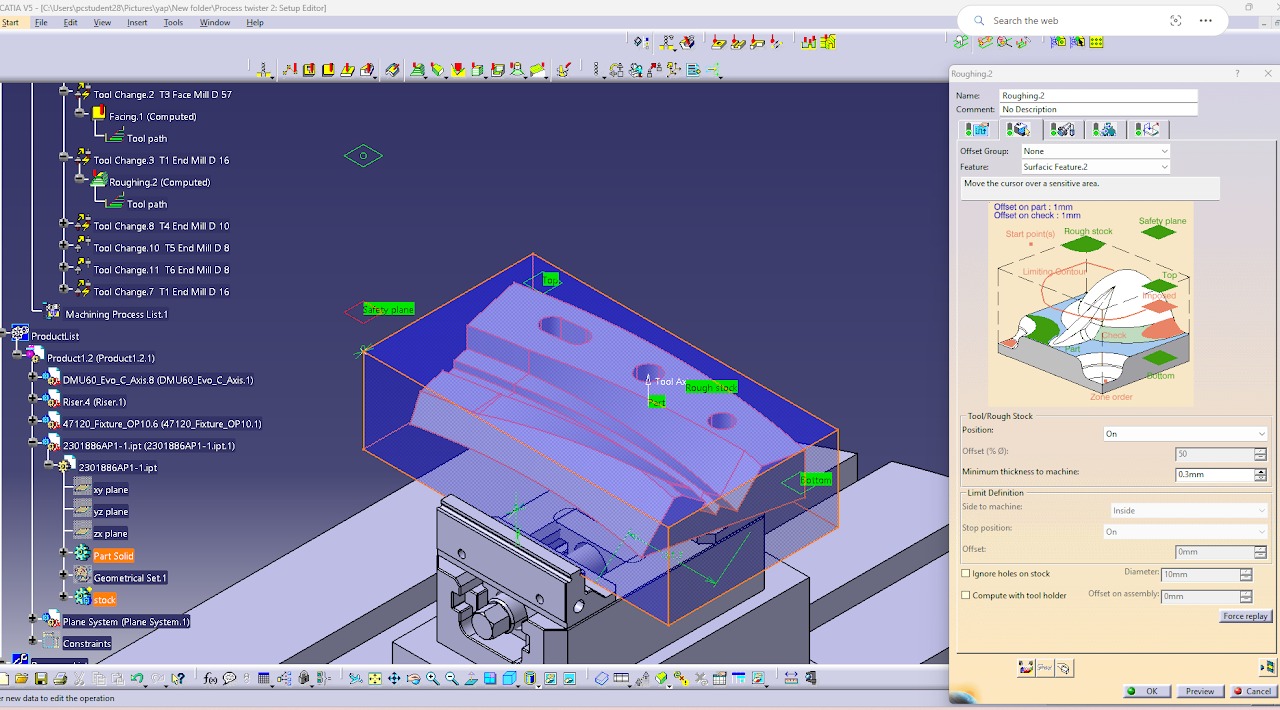
OP — 01
Facing Operation
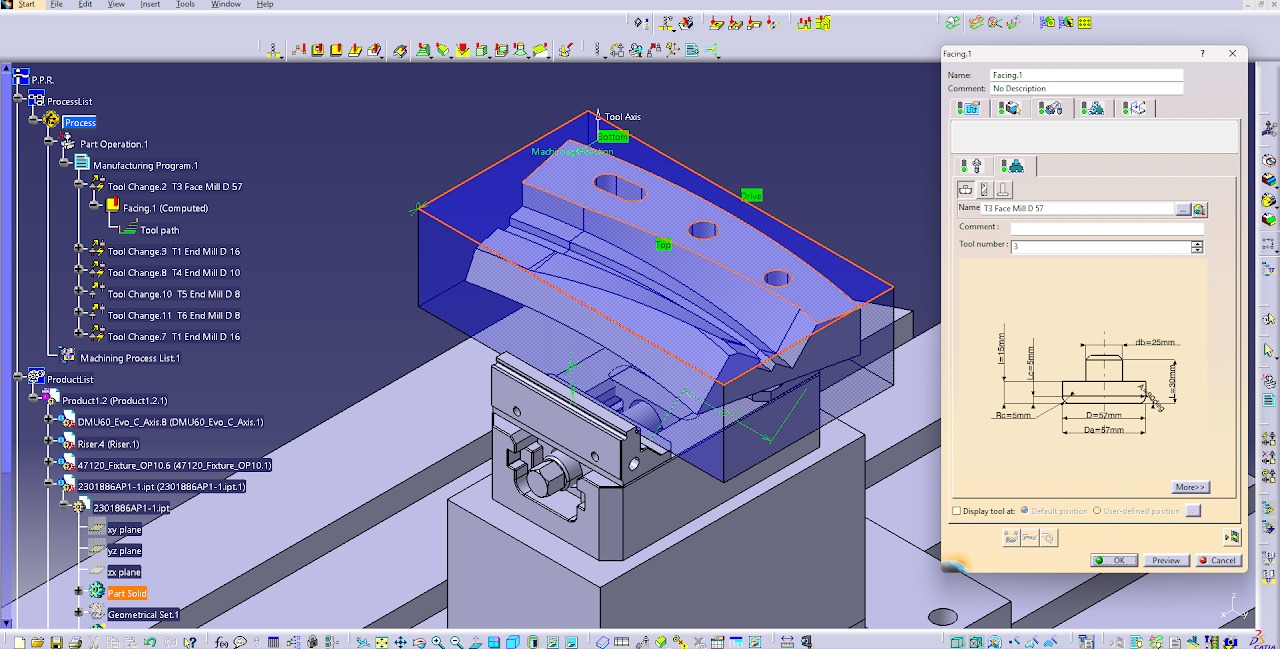
- Select the workpiece (stock) to be machined.
- Select a Ø57 mm Face Mill as the cutting tool.
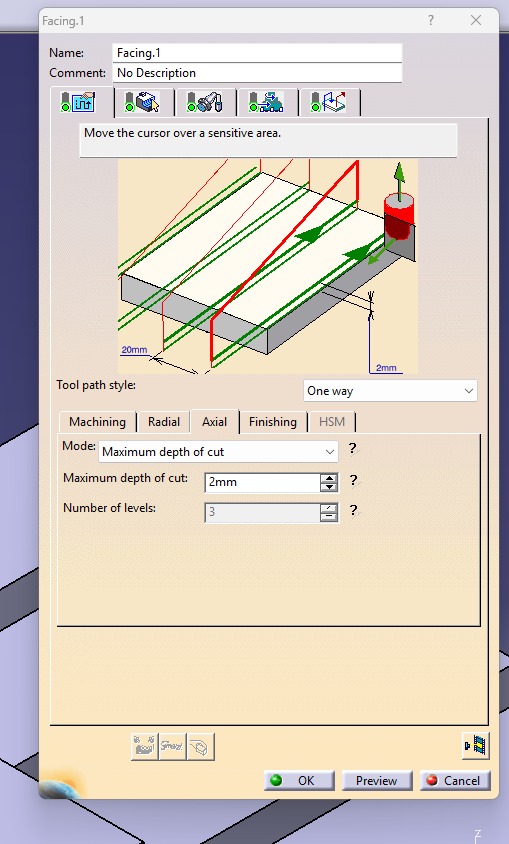
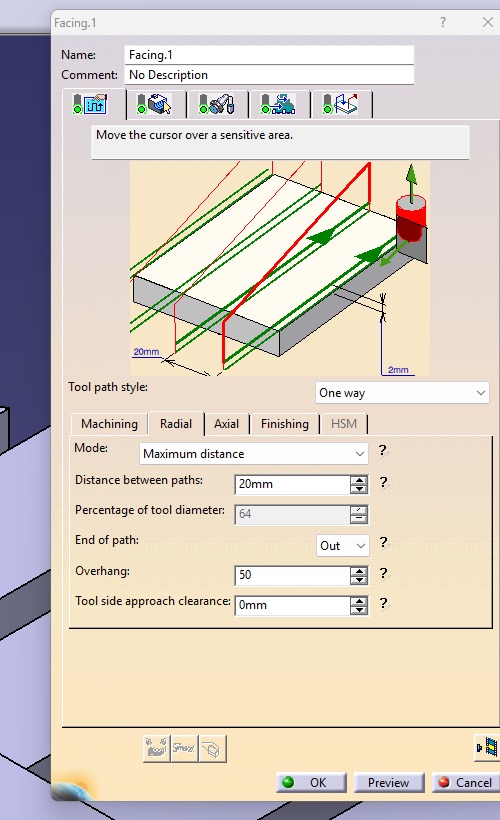
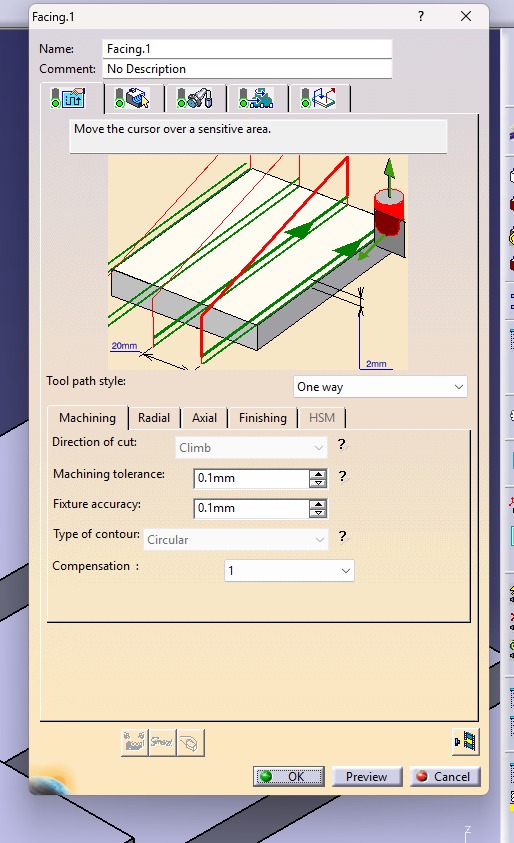
- Choose the One-Way cutting strategy for the toolpath.
- Set the machining mode to Maximum Distance and specify the Distance Between Paths as 20 mm.
- Set the Maximum Depth of Cut to 2 mm.
- Activate the Approach, Retract, and Return options.
- Set both Retract and Return to Level.
- Configure the Approach with Axial Motion Up to a Plane and set the motion to Point.
- Compute the toolpath and verify that no errors are present.
- Run the machining simulation to check the tool movement, ensure there are no collisions or gouges, and confirm that the entire top surface is machined correctly before generating the NC code.