OP — 02
Roughing Operation
- Select the Part, Rough Stock, Safety Plane, Top Plane, and Bottom Plane.
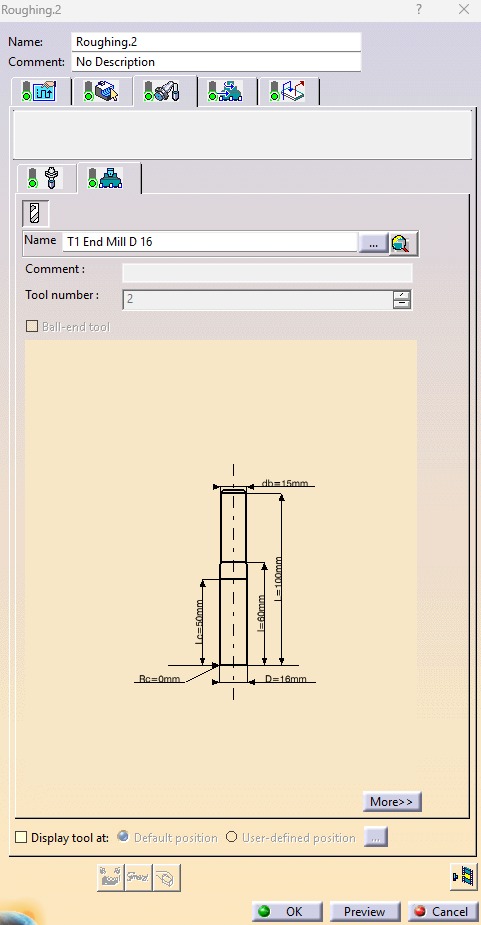
- Select a Ø16 mm Flat End Mill as the cutting tool.
- Set the Machining Mode to Outer Part.
- Select the Tool Path Style as Helical.
- Set the Stepover using the Overlap Ratio option.
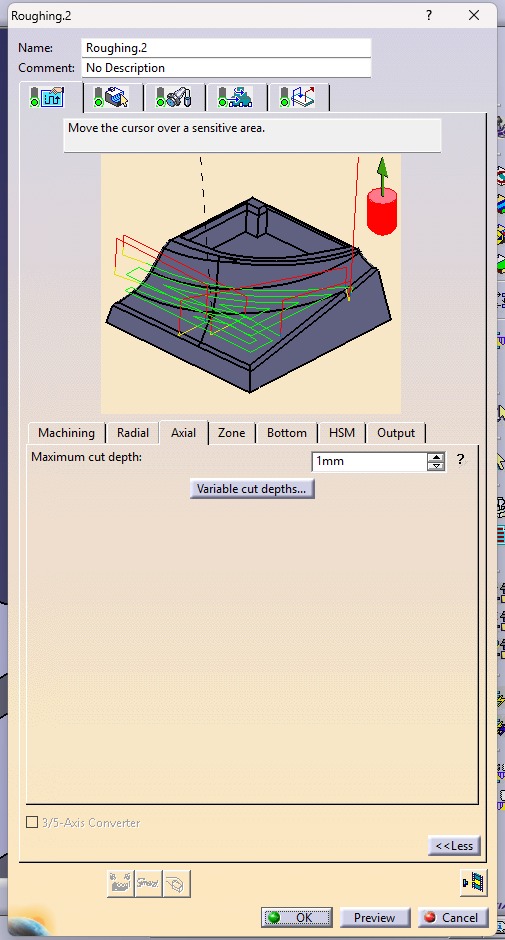
- Set the Maximum Depth of Cut to 1 mm.
- Compute the toolpath to generate the roughing operation.
- Run the machining simulation to verify the toolpath, check for collisions or gouges, and ensure the excess material is removed safely and efficiently before generating the NC code.
.jpeg)
.jpeg)
.jpeg)